Introduction to the Dashboard
Vexo is built for clarity and speed. There’s no setup, no extra menus, and no unnecessary reports,
Instead of overwhelming you with endless metrics, Vexo focuses on the essentials. You’ll see clear, meaningful insights about how people use your website, right out of the box.
Your dashboard is ready from the moment you add the script. Explore real data, spot trends instantly, and understand your visitors with zero configuration. You can also explore our live demo to see it in action.
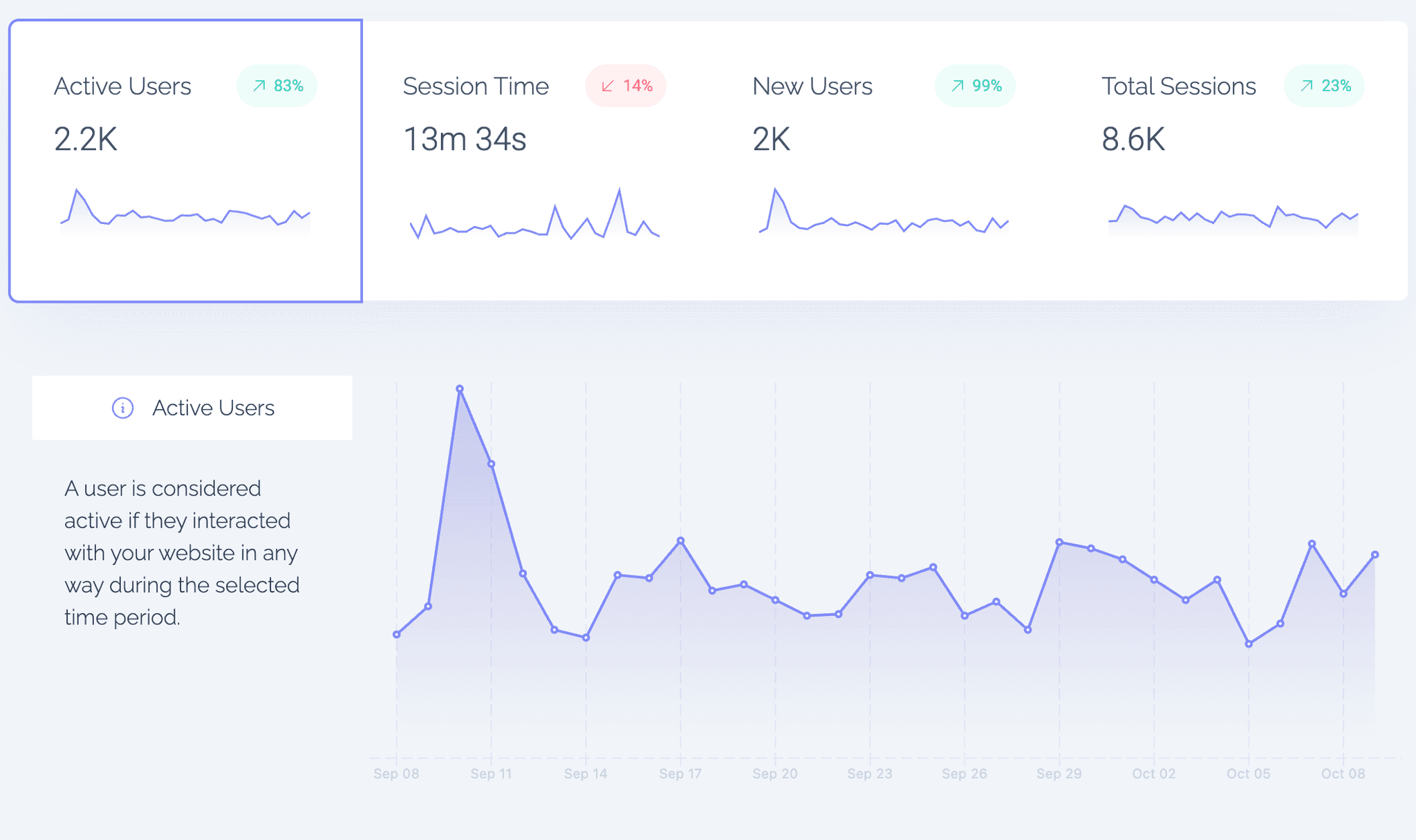
Top Graph
Filtering and Segmenting Your Data
You can click on any value in your reports (like country, browser, or route) to instantly filter your dashboard by that data point. This helps you create quick, meaningful segments in seconds.
For example, you might filter by a specific referrer, browser, or UTM to focus on traffic from a campaign or source.
You can also use the Filter button at the top for advanced combinations — such as Country, Browser, and Operating System — all at once.
Example use case:
Show me users coming from Google Chrome in the United States.