Funnels
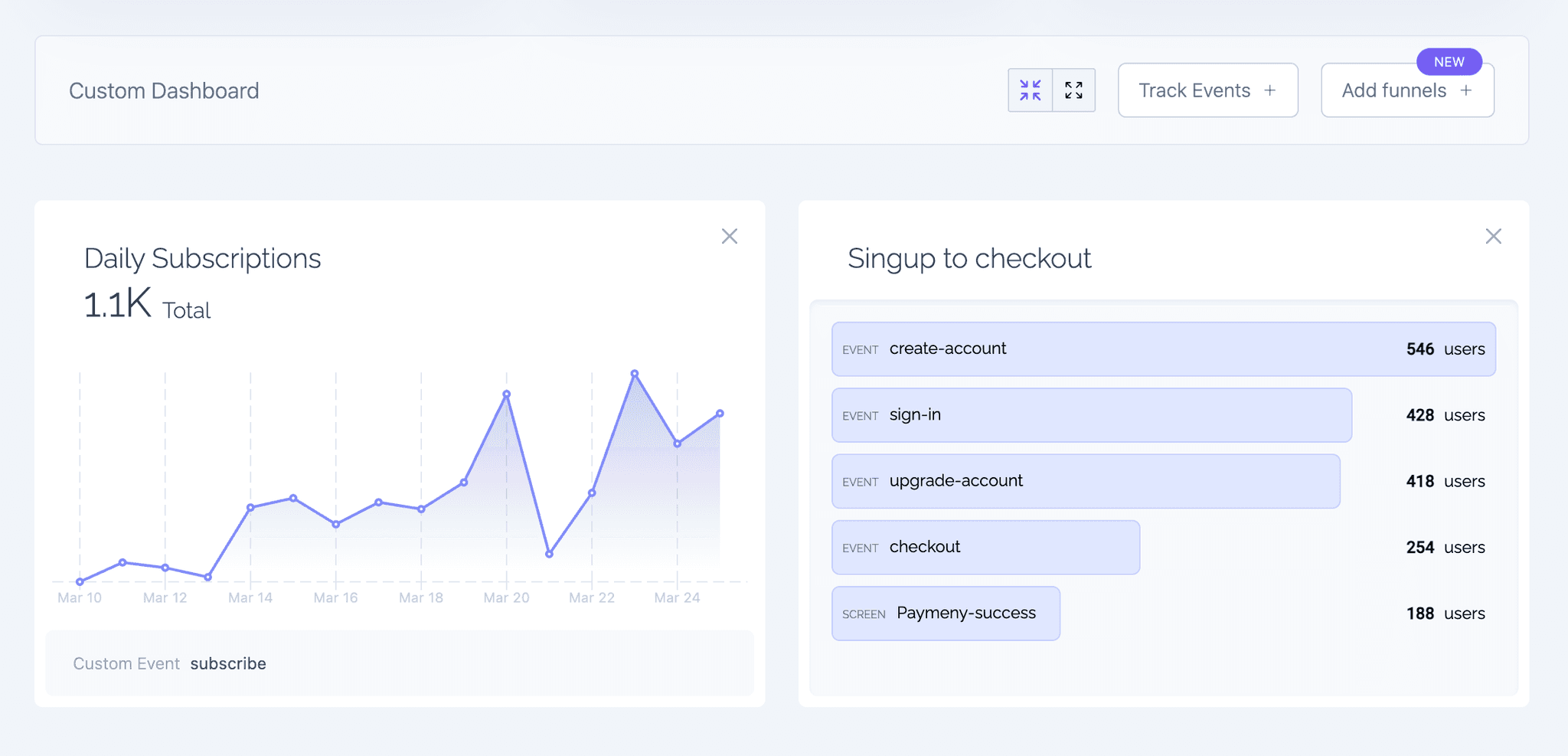
Funnels help you track how users move through a sequence of actions in your app. You can use them to see where users drop off and where they continue, helping you optimize key flows like onboarding, purchases, or feature adoption.
Usage
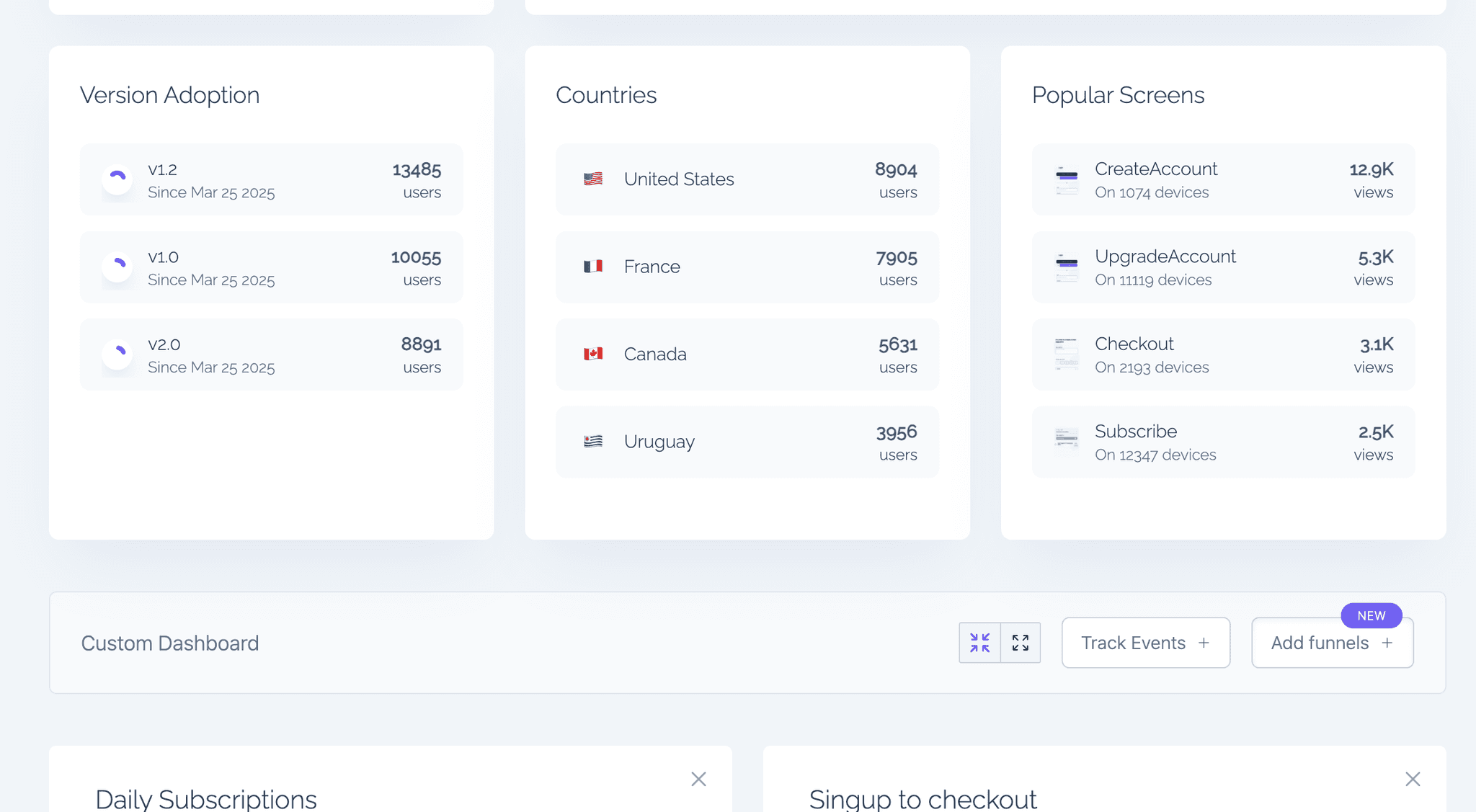
To start tracking funnels on your dashboard first click on the Add Funnel button.
To set up a funnel, you add steps based on custom events (like "Clicked Sign Up" or "Completed Purchase"), screen navigation events (like "Viewed Checkout Screen" or "Viewed Settings Page"), or actions. A funnel must have at least 2 steps and can include up to 8 steps.
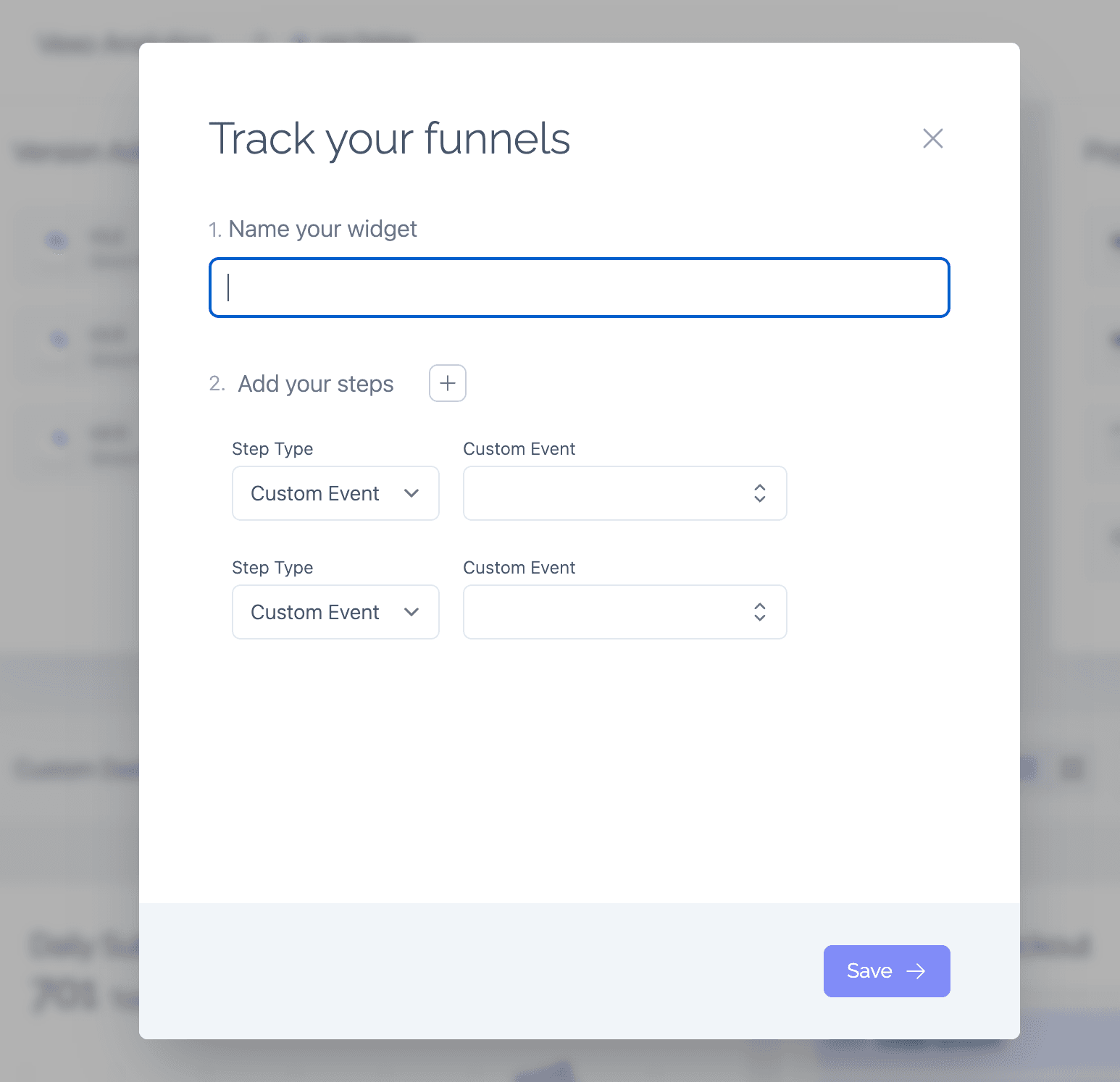
Once saved, Vexo will start tracking users who move through the steps so you can analyze where they drop off and where they convert.
Actions
An action is a name for a behavior made of events Vexo already captures, so you can use it as a funnel step without
changing your app. For example, "Started checkout" can mean "viewed the Checkout screen, or tapped on the Cart screen,
or sent the begin_checkout custom event".
A funnel counts an action over all the data in its date range, including events from before you defined the action. When you edit an action, every funnel that uses it shows the new definition the next time it loads.
To define an action:
- Open Custom Events, then Event catalog.
- In Actions, click New action.
- Enter a name and, optionally, a description.
- Add 1 to 10 rules. The action matches an event when any rule matches:
- Screen view: the user opened a screen.
- Tap on screen: the user tapped anywhere on a screen.
- Custom Event: the user sent a custom event, optionally only when its properties match.
- Click Save.
To use an action in a funnel, set a step's Step Type to Action and pick the action by name.
Keep these limits in mind:
- A tap rule counts any tap on the screen, not a specific button: Vexo records where a tap happened, not which element was tapped.
- If you sample taps or turn them off in App Settings → Mobile Tracking → Event Tracking (see mobile settings), a tap rule counts only the taps Vexo kept.
- Actions work in funnels on mobile apps. Insights and cohorts don't offer them yet.
- You can't delete an action that a funnel uses. Remove it from the funnel first.