People
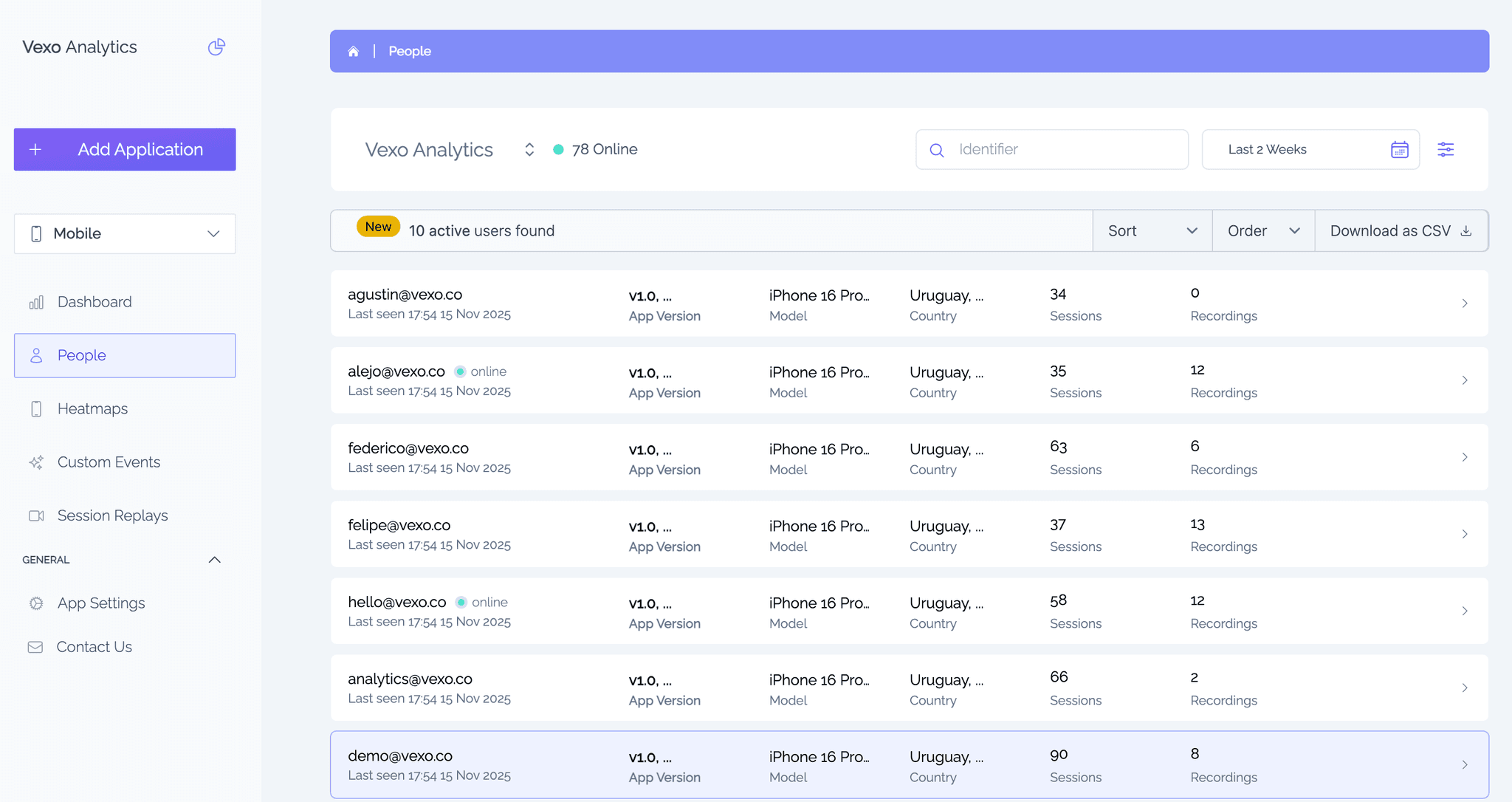
The People feature brings together every detail about your users in one place. Whether you’re analyzing a React Native app or also using Vexo Web, People gives you a complete and unified view of your users — right out of the box.
You can:
- Sort by last active date, number of sessions, number of replays, or user ID.
- Filter by timeframe, app version, operating system, or country.
- Export data to CSV for deeper analysis or sharing with your team.
User Details
When you click on a user, you’ll access a detailed profile page that connects everything that user has done:
- A timeline of custom events they’ve triggered.
- A list of their sessions, including event details.
- Links to session replays when recordings are available.
This allows you to connect what happened (event), when it happened (session), and how it looked (replay).
To erase a person's data, for example for a GDPR or CCPA request, click Erase user data on their page. See Erase a person's data.
Usage
People lists every device automatically. To attach your own user ID to a device, so you can find that user in People, call identifyDevice. See Device Identity.