Account information
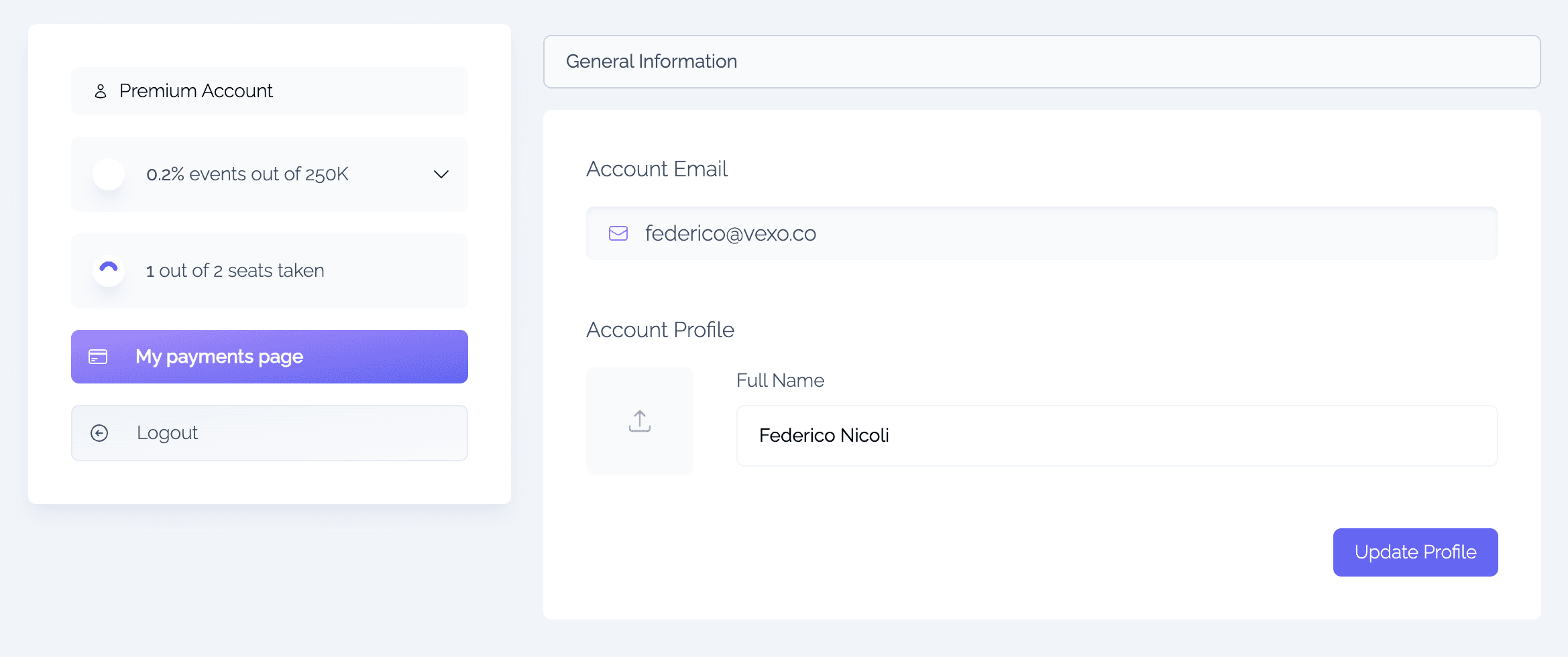
Account information describes the high overview information of your profile. This is where your personal information is, and modifiable info as well, such as your e-mail, your profile and other data.
This is where you can change your name or the e-mail that you've provided.
Billing
The account card shows your current monthly event usage against the free allowance of 500,000 events per month. Open it to break usage down by event type, including the performance and console events the SDK sends by default. On a pay-as-you-go plan it also estimates the events bill so far and where it's heading by the end of the billing period.
Vexo pricing is usage-based, so there is no plan editor: if you're on the free plan, the Billing section's Add billing enables pay-as-you-go billing beyond the free allowance. Once billing is enabled, Manage billing opens the Stripe billing portal to update your card, view invoices, or cancel. Next to it, a pay-as-you-go account sees the date its plan would end if cancelled, and Stop collecting data now, which stops event charges within about a minute (see Cancelling).
See Subscription for how usage-based pricing works and the full rate table, and Billing for common billing questions.
Delete Account
Deleting your account deletes every app that you own and closes your account. You can't undo it. If you have a paid plan, cancel it in Billing first: you can delete your account once the plan has ended.
When you delete your account:
- Every app that you own is deleted, as described in Delete Application, and its API key stops working.
- You're removed from the teams of apps that other people own.
- Your subscription is removed, and you're signed out.
Your apps' stored data isn't erased. To erase a person's data, or to ask for your data to be erased, see Data Retention.